Helping Hands Family Movers wrote this guide on how to pack a home office, because a desk setup mixes fragile electronics, private paperwork, and heavy furniture. Packing it badly can mean a lost week of work, a corrupted file, or a cracked monitor. A calm, step-by-step approach protects your equipment and gets you back online quickly on the other side.
Why a Home Office Is Harder to Pack Than It Looks
A home office looks small, but it holds a surprising range of items. You have screens, towers, printers, cables, filing cabinets, books, and a chair that never quite fits in a box. Each category needs different packing materials.
Three problems cause most of the trouble. Cables get tangled and unlabelled, so setup takes hours. Paper files get mixed together, so important documents vanish. Electronics get packed loose, so they take knocks in the truck.
Knowing how to pack a home office starts with knowing what the room holds. The sections below cover each problem and show a clear solution. Start about two weeks before moving day, since the office is often the last room you stop using.
How to Pack a Home Office in Six Steps
Break the room into stages instead of tackling everything at once. This order keeps you productive for as long as possible and leaves the daily-use items for last.
1. Back up your files and confirm the copies open.
2. Sort paper into keep, shred, and recycle piles.
3. Photograph the back of each device so you remember the wiring.
4. Pack rarely used items such as books, supplies, and decor.
5. Pack electronics and cables in labelled, padded boxes.
6. Dismantle furniture and wrap each piece.
Take a few minutes to confirm the plan before you start. If you work from home, schedule your packing around your workdays so you never lose a whole day of income.
How to Pack a Home Office Electronics Safely
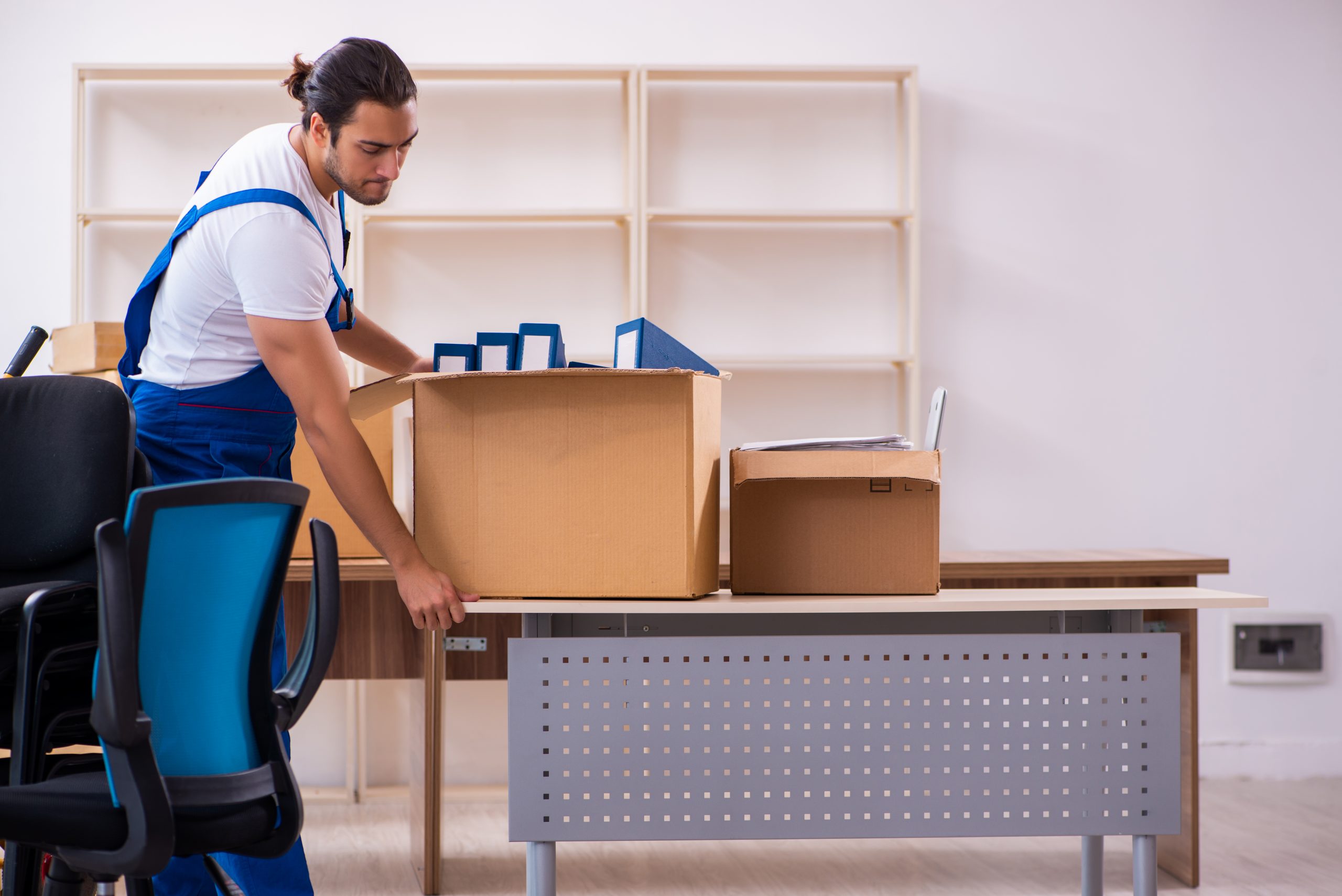
Electronics deserve their own routine. Original boxes are ideal, because the foam inserts fit each device exactly. If you no longer have them, use a sturdy box with crumpled packing paper or bubble wrap on all sides.
Power down each device and let it cool before packing. Wrap monitors in a soft cloth first, then in bubble wrap, and stand them upright in the box. Never stack heavy items on top of a screen. Label each box with the device name and the word "fragile."
Our guide on essential packing supplies lists the boxes, tape, and wrap that work best for this job.
Protect Your Data Before the Truck Arrives
A move puts hard drives through bumps and temperature swings. Back up everything before the first box is sealed. Keep one copy in the cloud and one on a separate drive that travels with you, not on the truck.
The Canadian Centre for Cyber Security shares plain-language advice on protecting your information and devices, including safe backup habits. A quick read helps if you handle client data or work files at home.
After you back up, test the copy by opening a few files. A backup you have never opened is only a hope. Then log out of shared accounts and remove any removable media from your computer so nothing is left behind.
Organize Paper Files and Sensitive Documents
Paper causes more stress than hardware. A filing cabinet can weigh a lot, and a spilled drawer sends folders everywhere. Take the time to sort first.
Use three piles. Keep what you need for taxes, legal matters, and contracts. Shred what has expired and contains personal details. Recycle the rest. Fewer papers mean fewer boxes and a lighter load.
Pack important documents in a sealed, labelled file box, and carry that box in your own vehicle. Passports, contracts, and tax records should not ride on the truck. For other files, use small boxes, since paper is dense. Fill each box about three-quarters full, and add a layer of folded paper to stop shifting.
Cables, Chargers, and Small Accessories
Small items cause big delays. A box of unlabelled cables can take an hour to sort at the new place.
Try this routine for every device:
- Photograph the cable connections before you unplug anything.
- Bundle each cable with a reusable tie or a twist of tape.
- Attach a note to each bundle with the device name.
- Place all bundles for one device in a zip bag, then in the device’s box.
- Put the bags for small chargers and adapters into a single "Office setup" box.
Colour-coded stickers also help. Match a coloured dot on the cable to a dot on the port. It is a small touch that turns setup into a ten-minute job.
For more ideas, see our post on labelling boxes for faster unpacking.
Furniture, Chairs, and Shelving
Desks, shelves, and chairs need careful handling. Remove drawers, tabletops, and legs where the design allows. Keep all screws and brackets in a labelled bag, and tape the bag to the piece it belongs to.
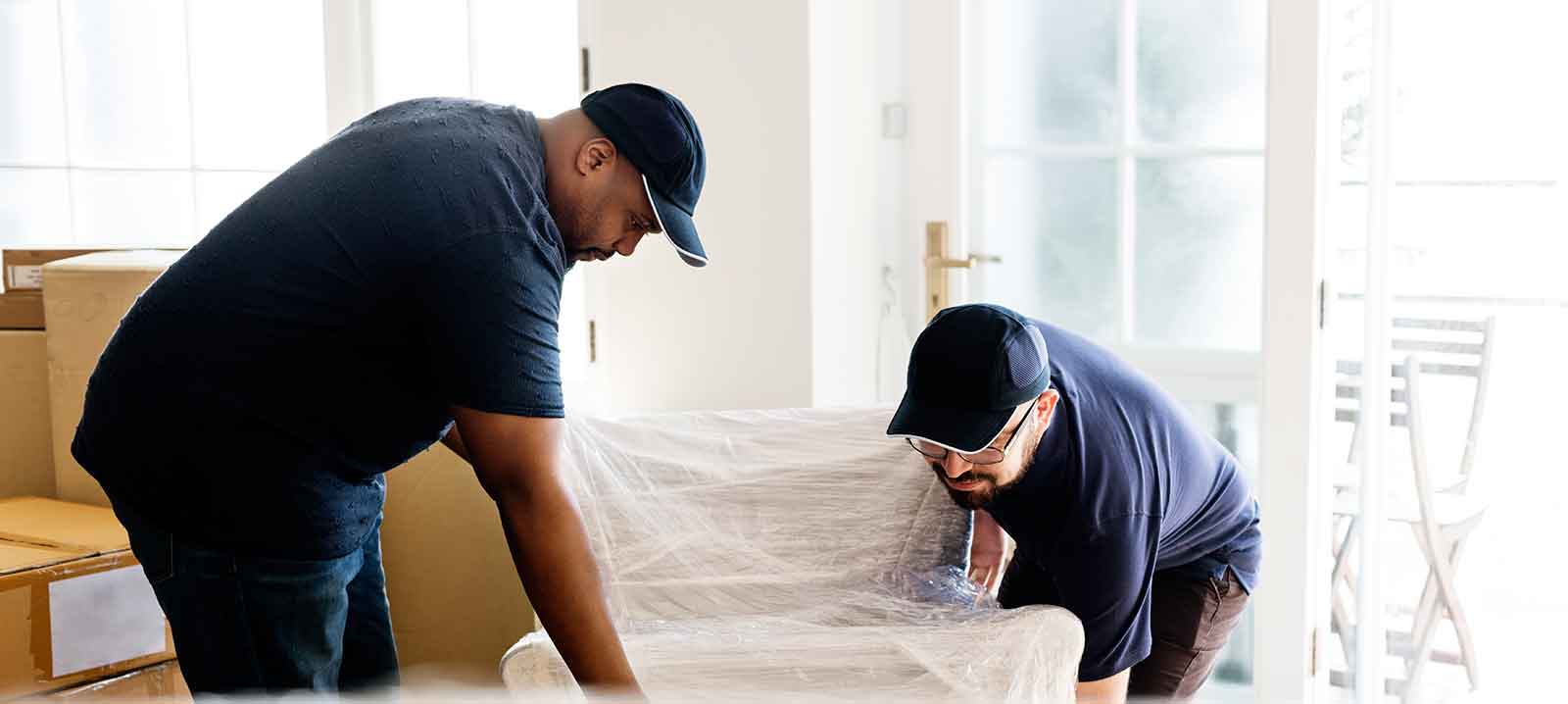
Wrap glass tops and polished wood in moving blankets before they move. Tilt chairs and wrap the base, since casters can scratch floors and walls. Empty bookcases entirely before moving them, because loaded shelves can crack.
Heavy items such as filing cabinets are safer with a trained crew. A moving crew brings the equipment for that kind of lift. Take a look at our residential moving options in Edmonton if you want extra hands for the bulky pieces.
Packing Priorities at a Glance
Different items need different handling. Use this table as a quick reference while you work.
| Item | Packing method | Warning sign you need a better method |
|---|---|---|
| Monitors and laptops | Original box or padded box, upright | Screen presses against box walls |
| Desktop towers | Anti-static wrap and snug box | Loose parts rattle when shaken |
| Printers | Remove ink and paper, pad all sides | Moving parts are unsecured |
| Paper files | Small, three-quarters-full boxes | Boxes bulge or sag |
| Cables | Bundled, labelled, zip bags | Cables are tangled together |
| Office chair | Wrap base and arms in blanket | Casters roll freely in transit |
Set Up the New Office First
When you arrive, make the office a priority. Place the desk and chair first, then connect the main computer, router, and monitor. Once you know how to pack a home office, setup becomes the easy part. Once you are online, you can answer messages and confirm deliveries while the rest of the house settles.
Unpack the "Office setup" box before anything else. Use your photos to rebuild the wiring. Only then unpack books, supplies, and decor.
If you have deadlines in the week after the move, keep a small work kit separate. Include a laptop, a charger, a notebook, and a pen. That kit travels with you and keeps you productive even if the truck is delayed.
Frequently Asked Questions
What is the first step in how to pack a home office?
Back up your files first, then start two weeks before moving day with the items you rarely use. Pack your main computer last, ideally the night before. This approach lets you keep working until the final days.
Can I leave the cables plugged into the computer?
No. Unplug every cable, and photograph the connections first. Bundle and label each cable so setup goes quickly.
Should I move my files on the truck?
Keep your backup drive and important papers with you. Anything irreplaceable should travel in your own vehicle, not on the truck.
Do movers handle desks and filing cabinets?
Yes. A moving crew lifts bulky furniture with the right equipment. Let us know about any heavy or oversized piece when you ask for a quote.
Contact Helping Hands Family Movers
Call us at 780-218-5550 to talk through your move. You can visit our office at 16715 111 Ave NW, Edmonton, AB T5M 2S4. Our hours are Monday to Saturday from 8 am to 7 pm, and Sunday from 9 am to 5:30 pm.
You can also share the details of your move through our quote request page.